How to List All Tables in a SQLite Database
The first thing you want to know about any database is what tables it has. In MySQL you’d type SHOW TABLES. SQLite doesn’t have that command, which trips up a lot of people.
Instead, SQLite gives you several other ways to list tables. This guide covers five of them, from a no-code option to SQL you can paste into any tool. You’ll also learn how to count rows in each table, filter out system tables, and see views and indexes.
The quick answer
Run this query in any SQLite tool:
SELECT name FROM sqlite_master
WHERE type = 'table'
  AND name NOT LIKE 'sqlite_%'
ORDER BY name;
It returns every user table, sorted by name, without SQLite’s internal tables.
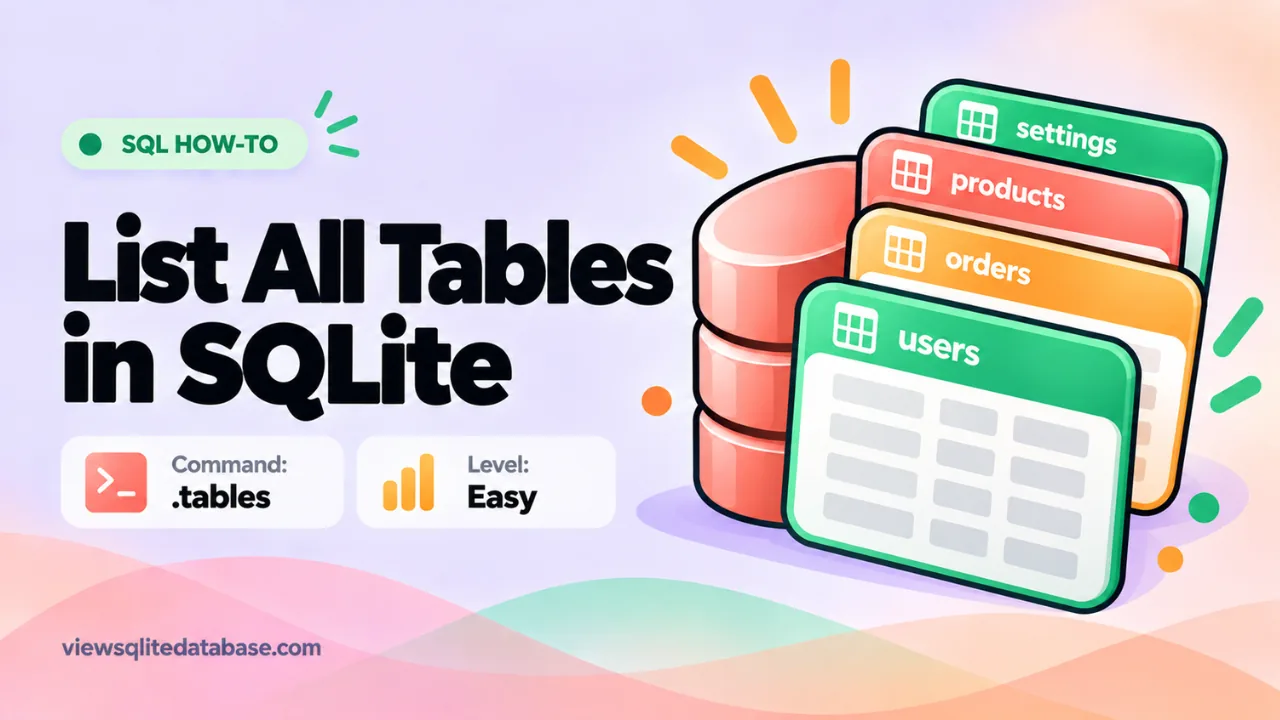
Or, if you’re in the sqlite3 command-line shell, just type:
.tablesOr skip SQL completely: drop your file into our online SQLite viewer and the sidebar lists every table with its row count.
Now let’s look at each method in detail.
Method 1: See all tables without writing SQL
This is the easiest option, and it’s great if you only need a quick look.
- Open our free SQLite viewer.
- Drag your .db, .sqlite or .sqlite3 file onto the page.
- Read the sidebar. Tables are listed first, then views.
Each entry shows a row count, so you can spot the important tables right away. Nothing is uploaded. The file is read inside your browser.
Method 2: Query sqlite_master
Every SQLite database has a built-in table called sqlite_master. Newer versions also call it sqlite_schema. Both names work in recent SQLite versions. It stores one row for each table, index, view and trigger.
Its columns are:
| Column | What it holds |
|---|---|
| type | table, index, view or trigger |
| name | The object’s name |
| tbl_name | The table the object belongs to |
| rootpage | Internal page number |
| sql | The CREATE statement |
To list only tables:
SELECT name FROM sqlite_master WHERE type = 'table';To include views too:
SELECT type, name FROM sqlite_master
WHERE type IN ('table', 'view')
ORDER BY type, name;
This works in every SQLite tool, every programming language, and every version you’re likely to meet. That makes it the most reliable method.
Why filter out sqlite_ tables?
SQLite creates some tables for itself. The most common are:
sqlite_sequence, which tracks AUTOINCREMENT counterssqlite_stat1and friends, which store statistics for the query planner
They’re harmless, but they clutter the list. Adding AND name NOT LIKE 'sqlite_%' hides them.
Method 3: The .tables command
If you use the sqlite3 command-line shell, .tables is the fastest option.
sqlite3 mydata.db
sqlite> .tables
customers  orders     products
It lists tables and views in columns. You can also filter with a pattern:
.tables order%That shows only tables whose names start with “order.”
Dot commands like .tables only work inside the sqlite3 shell. They won’t work in Python, PHP or other tools. For those, use the sqlite_master query.
Not sure how to start the shell? See our guides for Windows and Mac.
Method 4: PRAGMA table_list
Newer SQLite versions (3.37.0 and later) include a PRAGMA that lists tables with extra details:
PRAGMA table_list;It returns the schema, name, type, number of columns, and whether the table is a WITHOUT ROWID or STRICT table. It’s handy, but older SQLite builds don’t support it. If you get an error, fall back to sqlite_master.
Method 5: List tables in code
Python
import sqlite3

con = sqlite3.connect("mydata.db")
rows = con.execute(
    "SELECT name FROM sqlite_master WHERE type='table' ORDER BY name"
).fetchall()
for (name,) in rows:
    print(name)
con.close()
Node.js (better-sqlite3)
const Database = require('better-sqlite3');
const db = new Database('mydata.db', { readonly: true });
const tables = db.prepare(
  "SELECT name FROM sqlite_master WHERE type='table'"
).all();
console.log(tables.map(t => t.name));
PHP (PDO)
$db = new PDO('sqlite:mydata.db');
$q = $db->query("SELECT name FROM sqlite_master WHERE type='table'");
foreach ($q as $row) { echo $row['name'] . "\n"; }
The pattern is the same everywhere: query sqlite_master.
How to count rows in every table
A list of names is useful. A list with row counts is better. SQLite has no single built-in query for this, so you have a few choices.
The easy way
Our viewer shows row counts next to each table automatically.
One table at a time
SELECT COUNT(*) FROM orders;All tables with one query
You can build a single query with UNION ALL. For example:
SELECT 'customers' AS tbl, COUNT(*) AS rows FROM customers
UNION ALL
SELECT 'orders', COUNT(*) FROM orders
UNION ALL
SELECT 'products', COUNT(*) FROM products;
For databases with many tables, it’s quicker to generate this query in a script, or just read the counts in the viewer.
How to see a table’s columns
Once you know the table names, the next question is usually “what columns does it have?”
PRAGMA table_info(orders);This returns one row per column with its name, type, whether it’s NOT NULL, its default value, and whether it’s part of the primary key.
To see the full CREATE statement:
SELECT sql FROM sqlite_master WHERE name = 'orders';Or in the shell:
.schema ordersFor a full walkthrough of structure, keys and joins, read how to view the contents of a SQLite database.
How to list views, indexes and triggers
Change the type filter:
SELECT name FROM sqlite_master WHERE type = 'view';
SELECT name, tbl_name FROM sqlite_master WHERE type = 'index';
SELECT name, tbl_name FROM sqlite_master WHERE type = 'trigger';
Indexes named sqlite_autoindex_... are created automatically for PRIMARY KEY and UNIQUE constraints. You didn’t create them, and you can’t drop them directly.
What about attached databases and temp tables?
If you attach a second database, its tables live in its own schema. List them like this:
SELECT name FROM other.sqlite_master WHERE type = 'table';Temporary tables live in sqlite_temp_master:
SELECT name FROM sqlite_temp_master WHERE type = 'table';Most people never need these, but they explain why a table you created with CREATE TEMP TABLE doesn’t show up in the normal list.
SHOW TABLES vs SQLite
If you’re coming from MySQL or PostgreSQL, here’s a quick translation table:
| You want | MySQL | PostgreSQL (psql) | SQLite |
|---|---|---|---|
| List tables | SHOW TABLES | \dt | .tables or sqlite_master |
| Describe a table | DESCRIBE t | \d t | PRAGMA table_info(t) |
| Show CREATE statement | SHOW CREATE TABLE t | pg_dump | .schema t |
| List databases | SHOW DATABASES | \l | .databases |
What table lists look like in real apps
It helps to know what a normal table list looks like, so you can tell the important tables from the plumbing.
- A Django project shows tables like
auth_user,django_migrations,django_sessionand one table per model, such asshop_order. More on this in our .sqlite3 file guide. - An Android app built with Room shows
android_metadata,room_master_tableandsqlite_sequence, plus the app’s real tables. - An Apple Core Data file shows tables that start with Z, like
ZNOTE, plusZ_PRIMARYKEYandZ_METADATA. Our .sqlitedb guide explains the naming. - Chrome’s History file shows
urls,visits,downloads,keyword_search_termsand a few more.
In every case, the pattern is the same. A handful of tables hold the real data. The rest store settings, versions and counters.
Tips for working with long table lists
Some databases have more than a hundred tables. A few habits make them manageable:
- Filter by prefix. Use
WHERE name LIKE 'shop_%'to see one group at a time. - Sort by size. Look at row counts first and ignore empty tables.
- Save the list. Export the result of your sqlite_master query to CSV, so you can take notes next to each table.
- Read the CREATE statements. The
sqlcolumn shows comments and constraints that explain what a table is for.
Troubleshooting
The query returns nothing
Check that you opened the right file. If you type a file name that doesn’t exist, sqlite3 creates a new, empty database with that name. The file will have no tables. Double-check the path.
Tables appear but have no rows
The data may still be in a -wal file next to the database. Close the app that made the file, then copy the database and the -wal file together.
Error: file is not a database
The file is encrypted, corrupted, or not SQLite. See our guide to the file is not a database error.
Want the technical detail? See the official SQLite schema table documentation.
Frequently asked questions
Is there a SHOW TABLES command in SQLite?
No. Use .tables in the shell or query sqlite_master.
What’s the difference between sqlite_master and sqlite_schema?
They’re the same table. sqlite_schema is the newer name, added in SQLite 3.33.0. sqlite_master still works everywhere.
How do I list tables in a .db3 file?
Exactly the same way. The .db3 extension is still a SQLite database. Open it in any tool and run the sqlite_master query.
Can I list tables without installing anything?
Yes. Use our online SQLite viewer. The table list appears as soon as you open the file.
Summary
To list all tables in SQLite, query sqlite_master with type = 'table', or type .tables in the sqlite3 shell. Filter out names starting with sqlite_ to hide internal tables. If you just want a quick look with row counts, drop the file into our free SQLite viewer and read the sidebar. Then use our guide to reading SQLite files to explore what’s inside.