What Is a .db3 File? (And How to Open One)
The .db3 extension looks unusual, so it’s easy to assume you need special software. You don’t. In nearly every case, a .db3 file is a plain SQLite version 3 database. The “3” is a nod to SQLite 3, the version that almost every app uses today.
This guide explains what .db3 files are, where they come from, how to confirm what you have, and the quickest ways to open, read and export one. It takes a few minutes, and you won’t need to install anything.
What is a .db3 file?
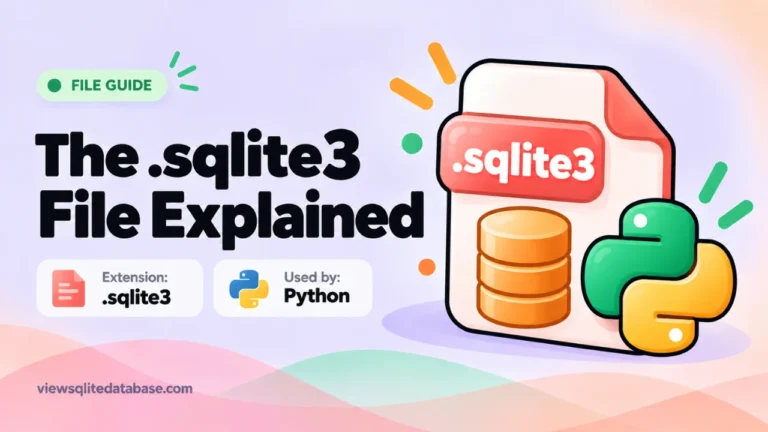
A .db3 file is a database stored in a single file. Inside, you’ll find tables with rows and columns, like sheets in a spreadsheet. The format is SQLite 3, the same one used by .db, .sqlite and .sqlite3 files.
Why the different name? Developers can choose any extension they like. Some pick .db3 to make it clear the file uses SQLite version 3. Others use it simply because an older tool or framework defaulted to it. The contents don’t change based on the name.
Where .db3 files come from
You’re most likely to find .db3 files in:
- Desktop software that stores settings, libraries or logs in a local database
- Older Windows programs built with frameworks that defaulted to .db3
- Mobile app projects, especially cross-platform ones that ship a starter database
- Data exports from tools that let you save a project as a database
- Games that store saves, scores or item lists
If you’re unsure where a file came from, the table names inside usually give it away.
How to check that a .db3 file is SQLite
Every SQLite 3 database starts with the same text in its first bytes:
SQLite format 3Here are three quick ways to check.
- Drop it into our online SQLite viewer. It checks the header automatically. If the file is SQLite, your tables appear. If not, you’ll see a clear message.
- Open it in a text editor. Ignore the gibberish and look at the very first characters.
- Use a terminal on Mac or Linux. Run
file yourfile.db3. It should say “SQLite 3.x database.”
If your .db3 file doesn’t start with that text, it may be encrypted, compressed or a different format. Our guide to the file is not a database error explains every possibility.
How to open a .db3 file
Option 1: In your browser (no install)
- Open our free SQLite viewer.
- Click Choose file. If your .db3 file doesn’t show up, switch the file type filter to “All files.”
- Select the file. The table list appears on the left.
- Click a table to see its rows.
This works on Windows, Mac, Linux, Chromebooks, Android and iPhone. The file is read inside your browser and never uploaded.
Option 2: With the sqlite3 command line
The official sqlite3 tool opens .db3 files like any other SQLite file:
sqlite3 mydata.db3
.tables
.headers on
.mode column
SELECT * FROM settings LIMIT 10;
It’s built into macOS. On Windows, download it from sqlite.org. Our Windows guide and Mac guide walk through the setup.
Option 3: With a desktop app
DB Browser for SQLite, SQLiteStudio and DBeaver all open .db3 files. Some open dialogs filter by extension, so choose “All files” if the file is hidden. Our best SQLite viewers guide compares them.
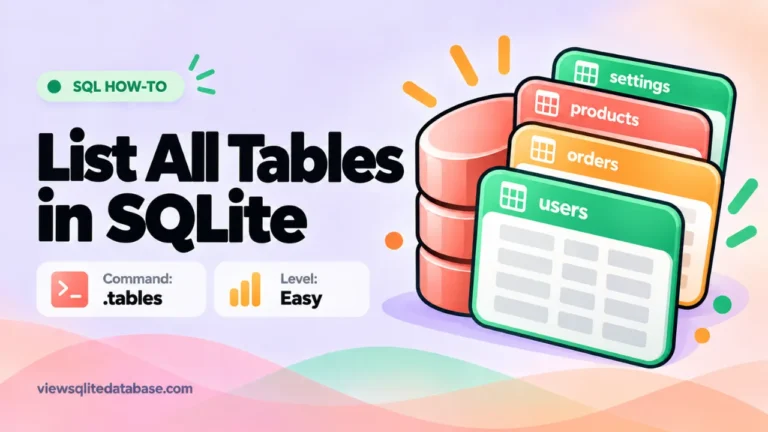
How to list all tables in a .db3 file
This is one of the most common questions about .db3 files. The answer is the same as for any SQLite database.
In SQL:
SELECT name FROM sqlite_master
WHERE type = 'table'
ORDER BY name;
In the sqlite3 shell:
.tablesOr skip SQL: the viewer’s sidebar shows every table with its row count as soon as you open the file. Our full guide on listing tables in SQLite covers more options, including views and indexes.
Reading the data inside
Once the file is open, follow a simple routine:
- Look at the table names. They tell you what the app stores.
- Check the row counts. Big tables hold the main data.
- Open the Structure tab. See each column’s name and type, plus keys that link tables together.
- Browse rows. Sort by clicking column headers. Use the search box to find a word or number in any column.
- Ask questions with SQL if clicking isn’t enough.
For example, to see the newest rows in a table with a date column:
SELECT * FROM log ORDER BY created_at DESC LIMIT 20;If dates show up as long numbers, they’re probably Unix timestamps. Convert them like this:
SELECT datetime(created_at, 'unixepoch') FROM log LIMIT 20;Our guide on how to read a SQLite file explains dates, BLOBs and NULL values in plain words.
Exporting data from a .db3 file
You can export any table or query result:
- Export CSV for Excel, Google Sheets or Numbers
- Export JSON for developers
- Download .db to save a copy of the whole database after any changes
For more detail, see our SQLite to CSV and SQLite to Excel guides.
Opening a .db3 file on a phone or tablet
You don’t need a computer. The browser viewer works on Android phones, iPhones and tablets too.
- Save the .db3 file to your device, for example in Downloads or the Files app.
- Open the viewer in Chrome or Safari.
- Tap Choose file and pick the file.
On a small screen, swipe sideways to see more columns, and tap any cell to read its full value. Our Android guide has more tips for phones.
.db3 compared with other SQLite extensions
| Extension | Format | Typical source |
|---|---|---|
| .db3 | SQLite 3 | Desktop and older Windows software |
| .db | Usually SQLite 3 | Almost everywhere |
| .sqlite | SQLite 3 | Firefox, Mac apps, GIS tools |
| .sqlite3 | SQLite 3 | Python and Django projects |
| .sqlitedb | SQLite 3 | iPhone and Mac apps |
They all open the same way. See our guides to the .db file, the .sqlite3 file and the .sqlitedb file for details on each.
Can I rename a .db3 file to .db?
Yes. Renaming doesn’t change the contents, and any SQLite tool will still open it. Some programs only accept certain extensions in their open dialog, so renaming can help. Just keep a copy with the original name if an app still needs it.
Editing a .db3 file safely
If the file belongs to an app you use, editing it can break that app. Follow these steps:
- Close the app completely.
- Copy the .db3 file, plus any
-wal,-shmor-journalfiles with the same name. - Make your changes on the copy.
- Test the app with the changed copy only after keeping the original as a backup.
In our viewer, you can run UPDATE or DELETE statements in the Run SQL tab, then click Download .db to save the edited version.
A worked example
Say you found library.db3 in the folder of an old music player and want a list of your songs.
- Open it in the viewer. The sidebar shows tables like
tracks,albumsandartists. - Click
tracks. You see columns liketitle,album_id,artist_idandduration. - Open Run SQL and join the tables:
SELECT t.title, a.name AS artist, al.title AS album
FROM tracks t
LEFT JOIN artists a ON a.id = t.artist_id
LEFT JOIN albums al ON al.id = t.album_id
ORDER BY artist, album;- Click Export CSV.
You now have a readable song list in a spreadsheet. The table names will be different in your file, but the steps are the same.
Troubleshooting
The file won’t show in the file picker
Change the file type filter to “All files.” Some pickers only show extensions they know.
“Database is locked”
The app that owns the file is still running. Close it or work on a copy. Our guide to the database is locked error has more fixes.
The file is damaged
If you see “database disk image is malformed,” follow our steps to repair a corrupted SQLite database.
Want the technical detail? See the official SQLite database file format specification.
Frequently asked questions
Is a .db3 file the same as a .sqlite file?
Yes, in almost every case. Both are SQLite 3 databases with different names.
Can I open a .db3 file in Excel?
Not directly. Export the table to CSV first, then open that in Excel.
Is it safe to open a .db3 file?
A .db3 file is data, not a program, so it can’t run on its own. Open copies, and use a viewer that keeps your data on your device.
What if my .db3 file is encrypted?
You’ll need the key and a tool that supports the same encryption. Standard SQLite viewers can’t read encrypted files.
Summary
A .db3 file is a SQLite 3 database with a different name. Check the header, then open it in our free online SQLite viewer, the sqlite3 command line, or a desktop app. List the tables, browse rows, run queries and export what you need. For a broader overview, see how to open a SQLite file.